Watching a Tier 1 match and wondering how pros hit shots that feel completely impossible in your ranked games? Sure, a lot of it is raw mechanics and thousands of hours - but the config plays a bigger role than most people give it credit for. Getting your CS2 Pro Player Settings right won't turn you into NiKo overnight, but running the wrong setup is actively holding your aim back every single match.
Here's what the top players are actually using and the logic behind every choice.
Why Your Config Affects Your Aim More Than You Realize
A ton of players spend hours grinding aim_botz or DM but never sit down and fix their sensitivity, resolution, or video settings. Then they wonder why their flicks feel inconsistent or why their spray always wanders somewhere random. If your eDPI is too high or your frames are dropping hard mid-round, you're fighting your own settings before you even touch an enemy.
Pro players have coaches, analysts, and years of LAN experience shaping their setups. The CS2 Pro Player Settings you see in databases weren't just randomly picked - they were tested over thousands of matches and refined until every click feels exactly right. If you want a quick reference, you can check the settings here and compare how top names differ from each other across DPI, sens, and resolution.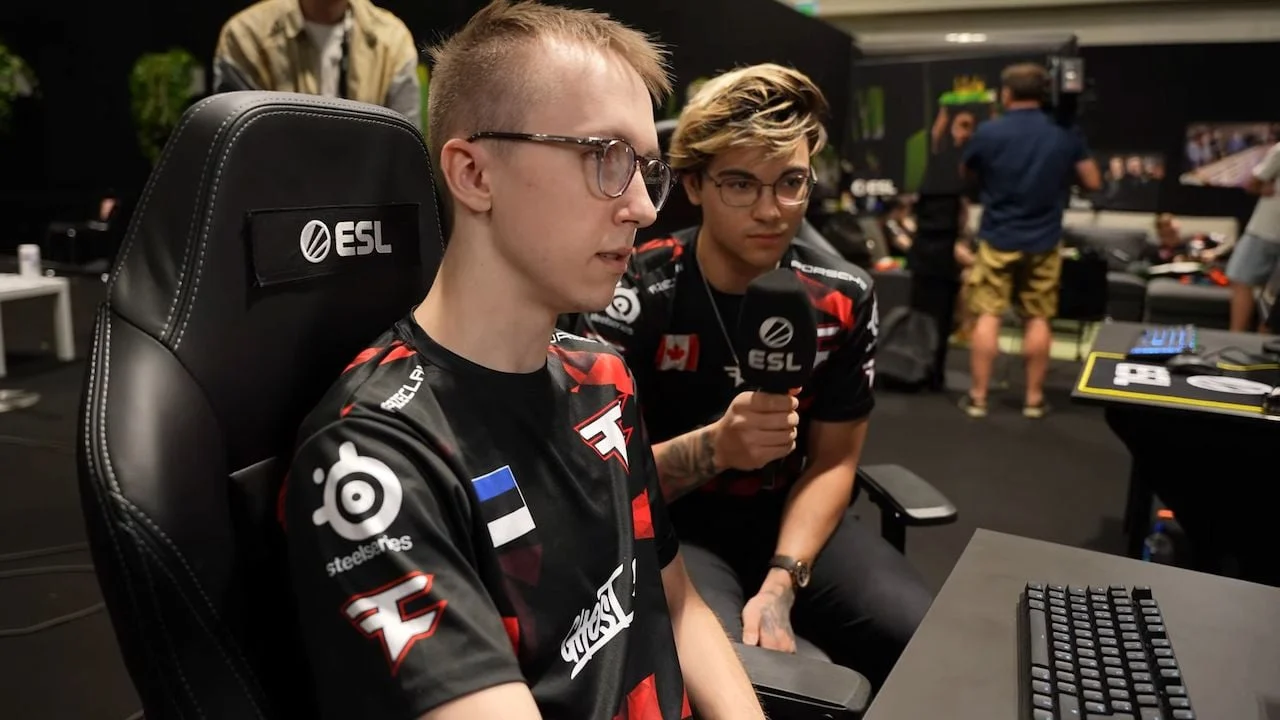
Mouse Settings: What Pros Are Actually Running
The majority of top-level players use low DPI with a relatively low in-game sensitivity. The range you'll consistently see at big LAN events:
- DPI: 400 (the most common by far, some use 800)
- eDPI range: 500–1000 is where most pros land
- Raw Input: Always on - no exceptions
- Mouse Acceleration: Off - this kills any chance of consistent muscle memory
- Mouse Smoothing: Off
- Polling Rate: 1000Hz minimum, some newer mice push 2000Hz
Low sensitivity gives you tighter control over small micro-adjustments, which is what separates a clean one-tap from a whiff. High sens players do exist at the top level, but they're rare and they've been grinding that same sens for years - muscle memory built over thousands of hours that you can't just borrow overnight.
Top Pro Mouse Settings Compared
|
Player |
Team |
DPI |
In-Game Sens |
eDPI |
|
ZywOo |
Vitality |
400 |
2.0 |
800 |
|
NiKo |
G2 |
400 |
1.15 |
460 |
|
sh1ro |
Cloud9 |
400 |
1.5 |
600 |
|
donk |
Spirit |
400 |
1.0 |
400 |
|
jL |
NAVI |
400 |
1.7 |
680 |
Don't just copy NiKos 460 eDPI if you've been playing on 1200 your whole career - you'll feel like you're aiming through concrete for weeks before it clicks.
Video Settings: Frames Win Gunfights
This is probably the most overlooked area in CS2 Pro Player Settings. Playing on high visual quality because it looks nice is throwing away free frames and making your game genuinely harder than it needs to be.
What actually matters for competitive play:
- Resolution: 1280x960 stretched 4:3 or 1920x1080 - both have a massive player base at pro level
- Brightness: 100–110% is the sweet spot most pros land at
- Shadow Quality: Low or Medium - high shadows can actually hide enemies in dark corners
- Texture Streaming: Disabled - causes micro-stutters in fights
- Anti-Aliasing: FXAA or off - 4x MSAA is just killing frames for no real competitive benefit
The goal is stable, high frames every single round. Dropping frames during a clutch or a pistol round on a retake is just tilting in slow motion.
Launch Options That Actually Do Something
These are the launch options that show up in basically every serious player's config:
- -novid - kills the intro video on launch
- -console - opens console automatically
- +fps_max 0 - removes the FPS cap entirely
- -high - sets CS2 process to high CPU priority
Keep it short. Half the launch options circulating on Reddit are leftovers from CS:GO that either don't work anymore or actively cause issues in CS2. Less is more here - don't go cluttering your launch options with placebo commands.
Crosshair Basics
Most top players run small, static crosshairs. Key settings to look at:
- Style 4 or 5 - static, doesn't move when you shoot or walk
- Size: 1–2
- Gap: -2 to 0
- Color: Green or cyan for the best visibility on most maps
- Outline: Off or minimal
A static crosshair forces you to actually counter-strafe before shooting instead of waiting for the dynamic crosshair to shrink back down. It removes a mental crutch and replaces it with a proper habit.
How to Apply What You Find
The thing with CS2 Pro Player Settings is that copying them wholesale doesn't immediately work - your hands and muscle memory aren't the same as the person you're copying from. What you should be doing is using these settings as a starting point, then making small personal adjustments over time.
Give any new sensitivity at least a full week before deciding it doesn't suit you. Your brain needs time to rewrite movement patterns - judging it after one warmup session is completely useless. Set the config, put in 10+ hours, then reassess.