Having a single AI website that does everything - writing, making pictures, doing research, and even videos - sounds wonderful. It would mean just one website address and one login to get to all of it.
However, most of these sites don't live up to their promise. They might list fifty different AI tools, but only a few of them actually work well. Often, the tool for making images seems like it was added without much thought. In the end, using the whole site often takes more time than just using separate tools.
The five websites we are talking about are different. Each of them truly delivers on the idea of being an "all-in-one" tool for specific kinds of tasks. None of them do everything perfectly, but each one covers enough different areas that you might not need anything else.
How We Chose Them
We looked at five main things when picking an AI website that does many tasks:
- The quality of the AI tools. It's not just about how many AI tools a website lists, but whether it actually offers the good ones, like GPT-4o, Claude, Gemini, Grok, and the newest image tools such as Flux or Midjourney.
- Does it only work with text, or can it also create images, videos, and sound? A truly complete AI website should be able to do more than just text chat.
- Can you begin by writing something, then switch to making an image, and then a video, all in the same conversation, without the AI forgetting what you were doing before?
- Things like a way to compare different options, using your own files for information, actual editing of images (not just making new ones), and collections of prompts. These are features you wouldn't get by simply using separate programs.
- No confusing payment systems where you only learn the cost of something, like an image taking 50 credits, after you've already used them up.
5 Best All-in-One AI Websites for Any Task
1. Cabina.AI
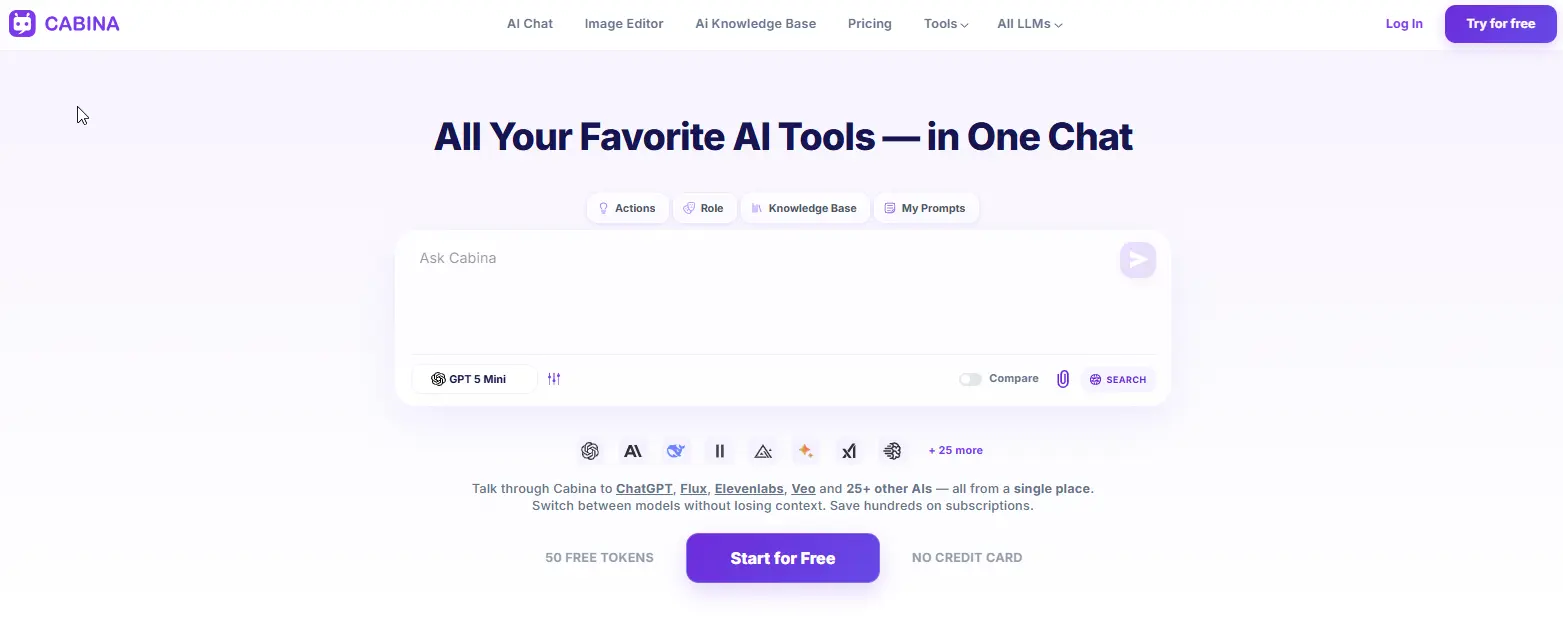
Cabina.AI is a complete place where you can work with text, pictures, videos, and sound files, while also keeping track of your ideas and tasks. It lets you use many important artificial intelligence tools like ChatGPT, DALL-E, Ideogram https://cabina.ai/llm/ideogram, and ElevenLabs. A main part of Cabina.AI is that it remembers what you've done. You can start a task with one AI tool and then easily switch to another for a different kind of media - for example, going from writing to making a picture or video - all in the same chat, and the AI will recall your earlier talk.
The platform also has a way to compare things, letting you see results from two different AI tools next to each other to help you pick the best one. A special part is its RAG (Retrieval Augmented Generation) system for whole folders of papers. You can upload many files, and the AI will only use facts from those papers to answer your questions. This helps stop it from giving wrong information. For pictures, you can use Magnific upscaler right on the platform to make them clearer and add small details without needing another program. If you want to make your prompts better before you create anything, you can do so by clicking the link to the prompt generator tool. And when you need to check your writing for grammar, tone, or how clear it is, there's a free AI text analyzer built in, with no extra payment needed.
Key features
- 20+ text models - GPT, Claude, Gemini, Grok, Llama, Mistral, Qwen, DeepSeek.
- 10+ image models - DALLE, Flux, Ideogram, Midjourney, Stable Diffusion, Leonardo, Recraft.
- 7+ video models - Hailuo, Lumalabs, Pika, Runway, Veo, Vidu.
- Audio models - ElevenLabs, Google Audio, Whisper.
- Shared context across all models and media types.
- Compare mode - see two models side by side.
- RAG on entire folders - upload hundreds of documents, chat with your data.
- In-Painter - real image editing: remove objects, expand, upscale, variations, sketch to image.
- Humanizer tool - rewrite AI text to sound human.
- Prompt generator & enhancer - turn a few words into a professional prompt.
- Free prompt library - save and reuse your best prompts.
- Free AI text analyzer - check grammar, tone, and clarity.
- Folders - organize chats by project.
- Team access - share tokens across a team.
Pros
- One subscription covers text, image, video, and audio.
- Pay-as-you-go from $3 means no lock into a monthly plan.
- Shared context across models actually works - this is rare.
- Image editor is genuinely useful, not a checkbox feature.
- Humanizer and text analyzer tools are nice bonuses.
Cons
- Free plan gives 100 tokens - enough to test but not for heavy use.
- Some advanced models (like Midjourney) require credits per generation.
- Interface isn't as polished as ChatGPT's - it's functional, not beautiful.
Pricing
- Free: 100 tokens.
- Pay-as-you-go: top up from $3.
- Monthly subscription: from $4.99.
- Yearly: from $4.72/month (billed annually).
2. Grok AI
Grok is an artificial intelligence program made by xAI, Elon Musk's company. It has a different way of acting compared to other AI like ChatGPT or Claude, being more direct and sometimes a bit sarcastic, rather than always smooth.
What makes Grok useful is that it can get information right away. Grok gathers current information from X (which used to be called Twitter) and other websites, making it feel very up-to-date. If you ask about something happening now, Grok will show you what people are saying on X, along with news from other common sources.
Grok also has a setting with fewer rules on what it can talk about. It's not completely free, but it's less strict than ChatGPT. For people who get annoyed by AI that is too careful in its answers, this is a real difference.
Key features
- Real-time X integration - pulls live posts and conversations into responses.
- Web search - finds current information from across the internet.
- Fewer content filters - more direct, less cautious responses.
- Image generation - basic, built into the chat.
- File upload - images and PDFs for analysis.
- Voice input - on mobile apps.
Pros
- Best-in-class real-time information from X.
- Different personality - less robotic than ChatGPT.
- Fewer restrictions on certain topics.
- Free tier gives you real access, not just a teaser.
Cons
- Only Grok's own models. No access to Claude, GPT, or Gemini.
- Image generation is weak compared to Flux or Midjourney.
- No video, no real audio tools.
- X Premium (formerly Twitter Blue) required for some features.
Pricing
- Free: limited messages per day (requires X account).
- X Premium: ~$8 - 16/month includes more Grok access.
- Grok standalone: pricing varies, check current rates.
3. Monica
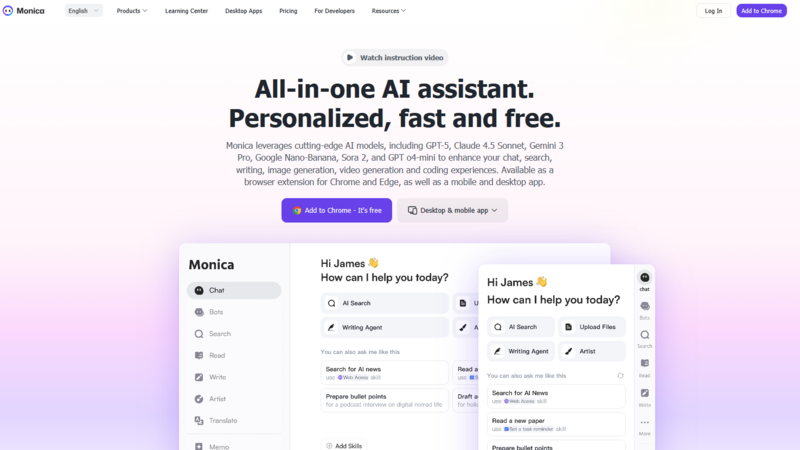
Monica began as a basic browser add-on and has since developed into a complete AI helper. Picture it as a small assistant found in your browser's menu.
Its main function is to process text on web pages. You can highlight any text - whether from an article, a PDF, or a YouTube video's words - press a quick key, and Monica can shorten it, change its language, explain it, or rewrite it. This primary use works quite effectively.
Behind the scenes, Monica gives you access to GPT, Claude, and Gemini all within a single chat window. You can switch between these models, upload documents, and even produce simple pictures and short videos.
Yet, a drawback is that the AI models often lose track of the conversation when you switch from one to another. This disrupts the discussion. Furthermore, the quality of its images and videos isn't as good as tools made just for those purposes; it's fine for quick tries but not for professional projects.
Key features
- Multiple models - GPT, Claude, Gemini, DeepSeek in one chat.
- Browser extension with keyboard shortcuts.
- Summarize anything - web pages, PDFs, YouTube videos.
- Chat with webpages - ask questions about the page you're on.
- File upload and basic analysis.
- Image and basic video generation.
Pros
- Very accessible. Works right where you already browse.
- Great for quick tasks: summarize, rewrite, explain, translate.
- Free tier is actually usable for light work.
- Keyboard shortcuts make it fast.
Cons
- Shared context is weak. Switching models often resets the conversation.
- Image and video quality isn't competitive with Flux, Midjourney, or Runway.
- Pricing gets confusing - "credits" for advanced models make it hard to guess monthly costs.
Pricing
- Free: limited daily uses.
- Pro: from $16.60/month (billed yearly).
- Unlimited: from $28.30/month.
4. Gamma
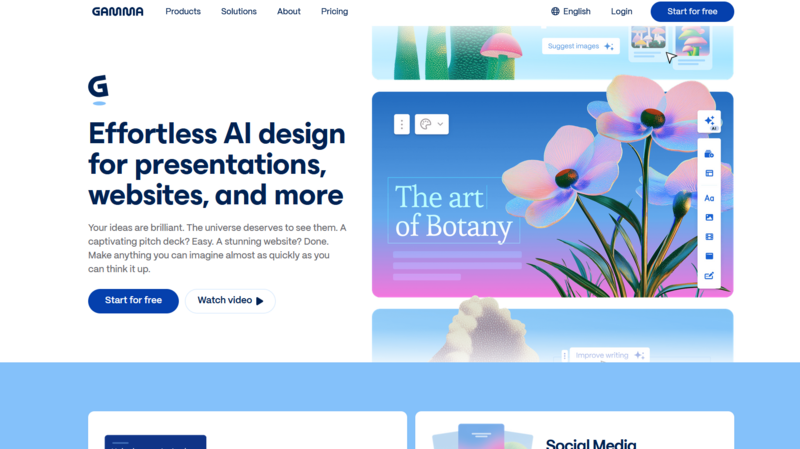
Gamma stands apart from the other items mentioned. It is not a platform for chatting; instead, it is an AI tool that creates presentations and documents. By simply typing a request, such as "create a presentation about renewable energy trends 2026," Gamma quickly produces a full slide deck, including text, pictures, and basic designs. Users can then make changes to everything by hand. This capability also extends to documents, web pages, and newsletters, which Gamma refers to as "cards." These cards are a single format that can be used for presentations, documents, or websites. Internally, Gamma uses AI models like GPT, Claude, and Gemini to create content. However, users do not select these models themselves; the platform automatically picks the most suitable one for the job. This approach means less control for the user. It's not possible to instruct the platform to "use Claude for this section and GPT for that one"; users must accept the output Gamma provides. While this works well for generating presentations and documents quickly, it restricts tasks requiring specific model usage.
Key features
- AI presentation generator - prompt to slide deck in seconds.
- Document & webpage generation - same format works across types.
- Editable output - change text, images, layouts after generation.
- Built-in image search - finds relevant visuals automatically.
- Templates - professional designs for different use cases.
- Team collaboration - share and edit together.
Pros
- Extremely fast for creating presentations and documents.
- No design skills needed - output looks professional out of the box.
- Free tier covers basic needs.
- Great for students, consultants, and business teams.
Cons
- Not a general-purpose AI website. You can't ask random questions.
- No manual model selection - you can't choose between GPT, Claude, or Gemini.
- No image generation - it searches for existing images instead.
- No video, no audio, no RAG.
- Limited control over the final output compared to manual creation.
Pricing
- Free: limited presentations and documents with watermarks.
- Pro: from $8/month (billed yearly).
- Teams: from $30/month per user.
- Enterprise: custom pricing.
5. Merlin
Merlin is a browser-based assistant that uses different AI models. It is quite similar to Monica, sharing the same main idea but working in a slightly different way. You can select text on a webpage, use a quick key, and Merlin can quickly summarize, translate, explain, or rewrite it. This core function works very well.
Merlin lets you access AI models like GPT, Claude, Gemini, Llama, and Mistral all in one chat. You can switch between these models, upload files, and create simple images. However, it has a drawback: it struggles to remember the conversation when you switch between models, causing you to lose track. Also, the quality of the images it creates is not as good as other tools. Merlin is excellent for quick tasks you do directly in your browser, but it's not ideal for complex projects or creative work.
Key features
- Browser extension - works on any webpage with a shortcut (Ctrl/Cmd + M).
- Multiple models - GPT, Claude, Gemini, Llama, Mistral.
- Summarize anything - articles, PDFs, YouTube videos, emails.
- Chat with webpages - ask questions about the page you're on.
- Custom assistants - create and save bots for specific tasks.
- Image generation - basic, not competitive.
- File upload - PDF, DOCX, TXT, images.
Pros
- Very accessible. Works right where you already browse.
- Great for quick tasks: summarize, rewrite, explain, translate.
- Free tier is actually usable for light work.
- Keyboard shortcuts make it fast.
Cons
- Shared context is weak. Switching models often resets the conversation.
- Image quality isn't competitive with dedicated tools.
- No video generation.
- Pricing gets confusing - "credits" for advanced models make it hard to guess monthly costs.
Pricing
- Free: limited daily uses.
- Pro: from $15/month (billed yearly).
- Unlimited: from $30/month.
- Teams: custom pricing.
The idea of all-in-one AI platforms is still new. Most of them are just ways to access other AI systems. But a few, especially Cabina.AI, are actually creating unique features you won't find anywhere else, such as shared context across different media, real image editing, and using information from entire folders.
Begin with a free trial. Test the shared memory. See if the platform stops you from constantly switching between tabs. If it does, keep using it. If not, stick with one or two separate subscriptions.
Because ultimately, the point isn't to gather many AI tools. It's to finish your tasks faster.